How do I top up my card after purchase?
If the purchase was made on an iPhone
After the purchase, a confirmation of the successful transaction will be displayed
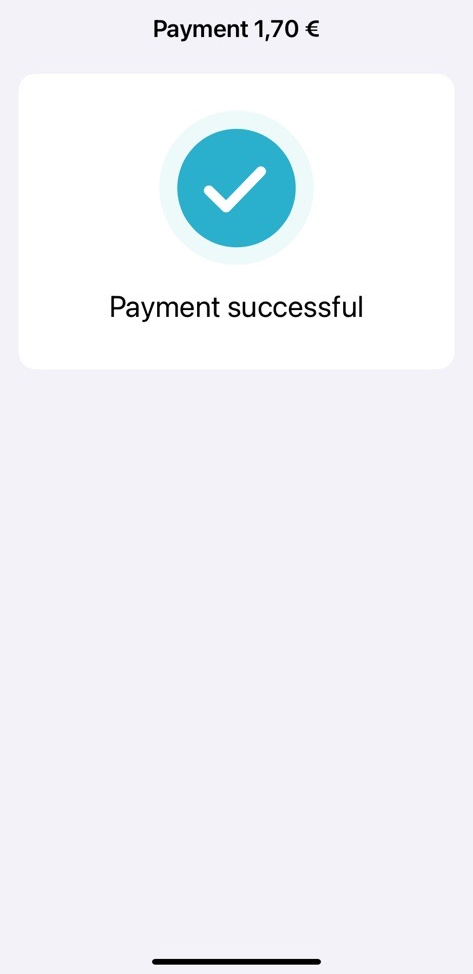
and you will be asked to load your ticket

Ensure you have a good network connection and place your card at the top of your phone; half of the card must be visible.
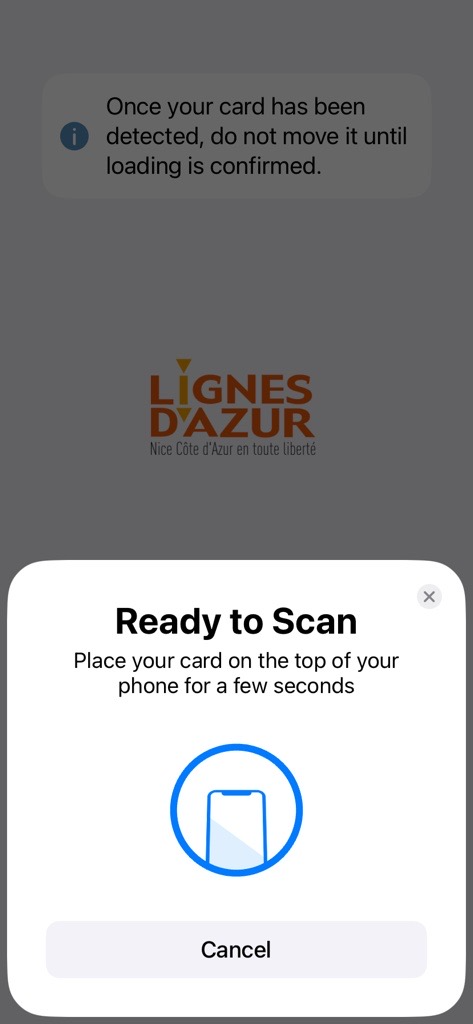
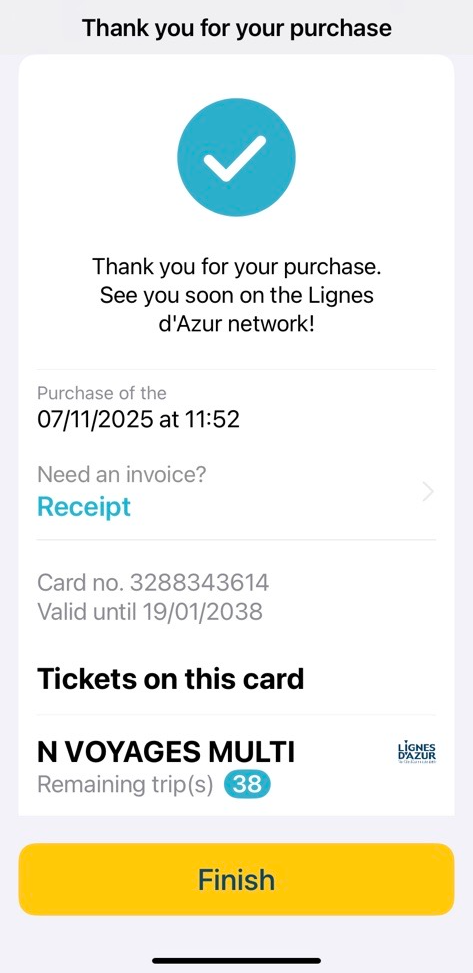
Once the card is detected, hold it perfectly still. The ticket will be loaded and a confirmation page will appear with the option to download your receipt.
If the purchase was made on an Android Phone
After the purchase, a page will appear asking you to scan your card
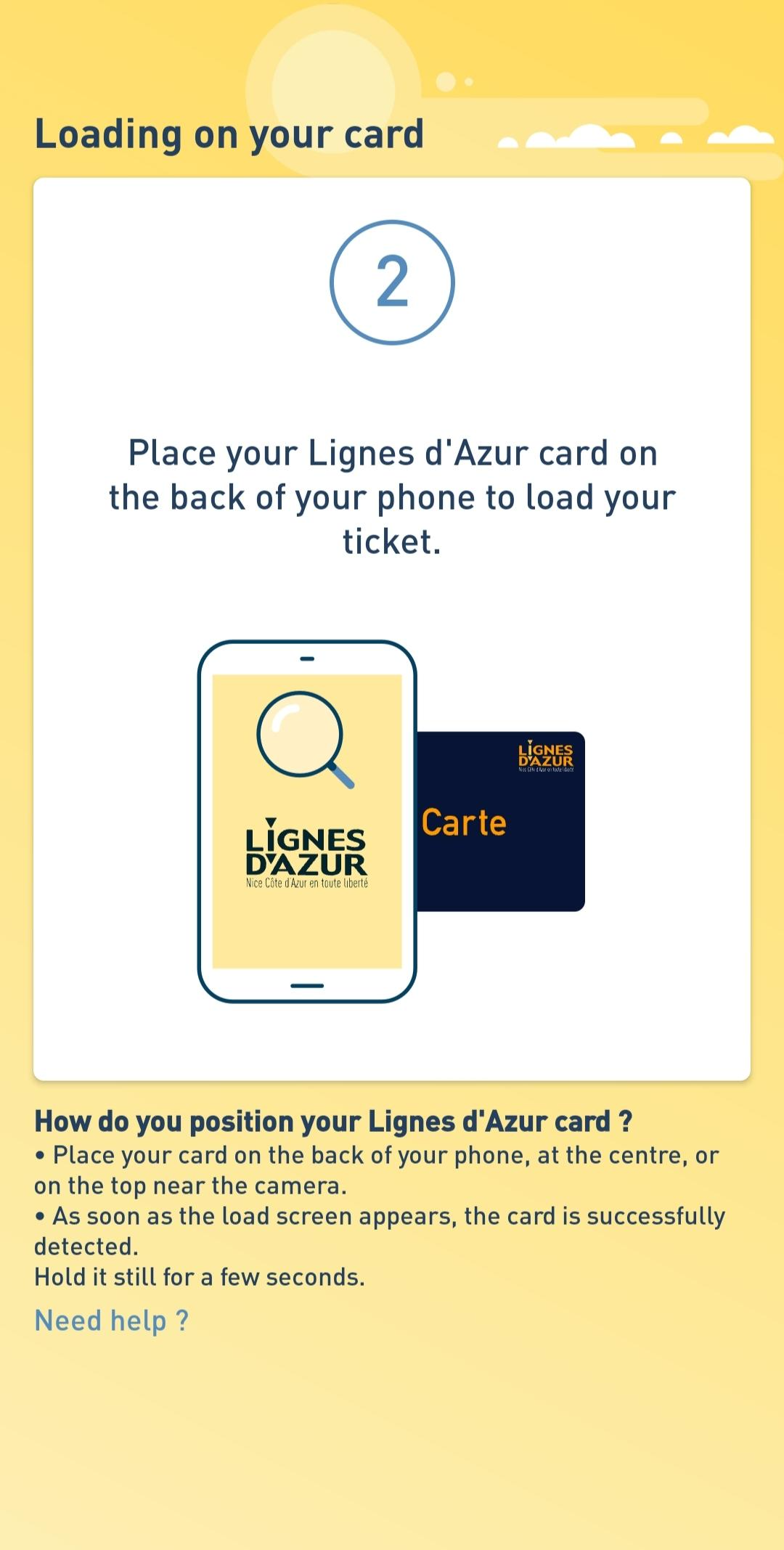
Ensure you have a good network connection and find the right spot for your card to be detected. You can move it slightly to do this, and as soon as this page appears...

...keep your card perfectly still until the download is confirmed.

You can then choose to retrieve your receipt.
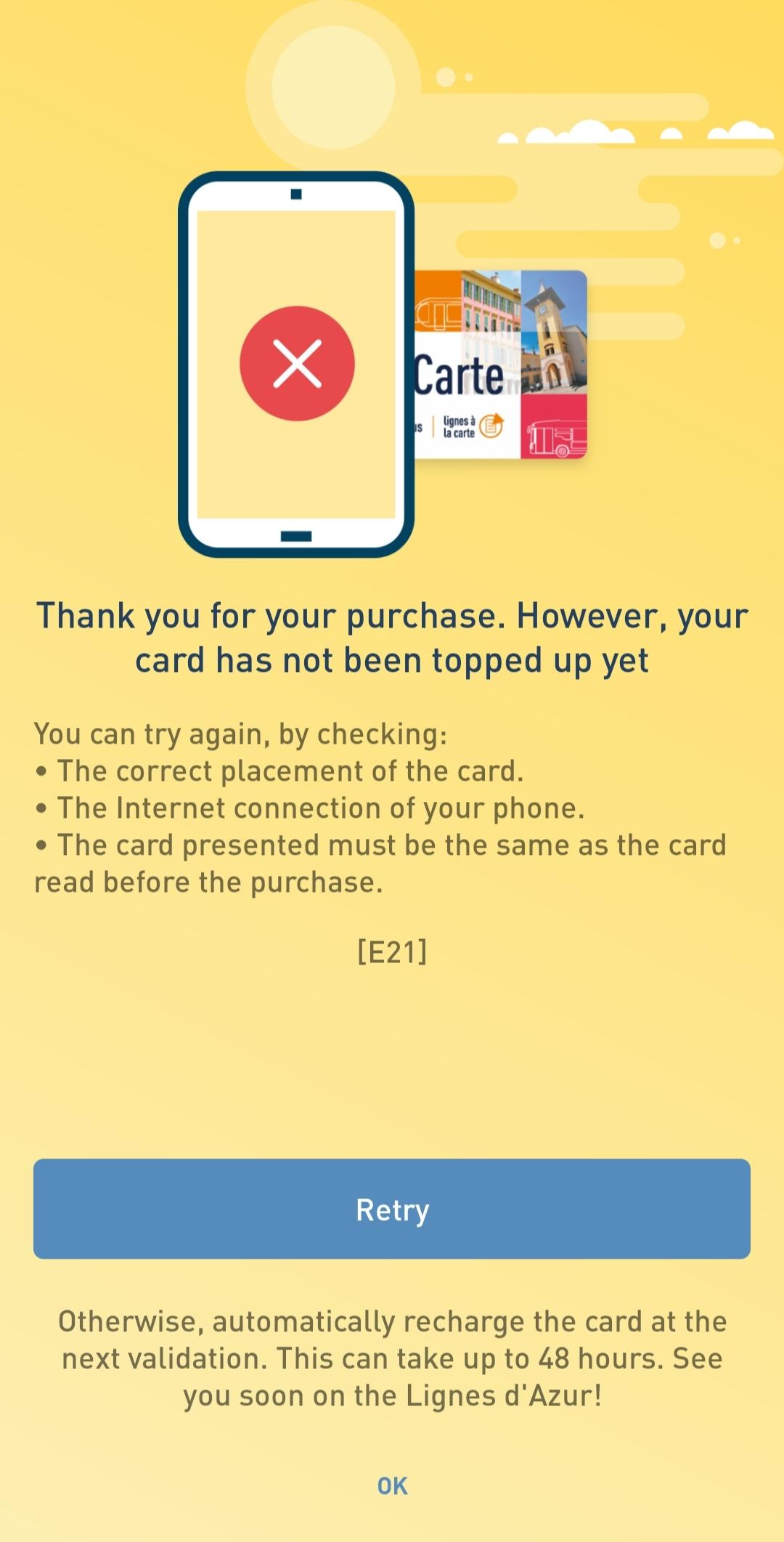
If the card has not been detected or if the ticket has not yet been downloaded, a page will appear asking you to try reading it again. Click on Retry.